
How to Keep Track of Replies After Bulk Messaging in Telegram Expert

Bulk messaging solves only the first part of the task. The message is sent, the user sees it and replies. The work does not end there.
With only a few accounts, replies can be checked manually. When messages are sent from several accounts at the same time, responses start arriving in different chats. The operator has to switch between accounts, look for new replies, and reconstruct the context of each conversation.
That is why, as you scale, sending messages is only part of the workflow. You also need to decide in advance how incoming replies will be collected, who will handle them, and how ongoing conversations will be continued.
After the campaign, reply handling becomes a separate workflow
The number of messages sent shows the volume of a campaign, but not its outcome.
Suppose 10,000 messages were sent. That figure does not show how many users replied, how many replies the team actually saw, or how many conversations continued.
The task changes as soon as the first reply arrives. During the campaign, the priority is to deliver the message to the recipient. After a reply, the priority is to see it quickly, understand the context, and continue the conversation.
For example, a user might write:
“How much does it cost?”
Or:
“Send me the details.”
Or:
“Message me tomorrow.”
At that point, the user is no longer just a record in the original database. The message has a history, previous correspondence, and a specific reason for follow-up.
That is why sending messages and handling replies are best treated as two connected but separate workflows.
A sent message is not the final result
To monitor a campaign, it is useful to track how many messages were sent and what responses the system returned. But the work should not be considered finished once sending is complete.
First, the database is prepared and the campaign is launched. After the messages are sent, some users reply. Those replies need to be seen and handled in time. If the conversation needs to continue, the operator returns to the existing chat and works with it further.
If the team monitors only the sending stage, it sees only part of the process and does not know what happens after the user replies.
A reply moves the user from a database record into a conversation
Before the first reply, a user may be just another record in the working database. Once they respond, there is a specific conversation to manage.
This matters when organizing the workflow. A message such as “Yes, I’m interested” says very little on its own. The operator needs to know which offer the person replied to, what has already been sent, and what the appropriate next step is.
That is why simply centralizing incoming messages is not enough. The original conversation context needs to be preserved as well.
With many accounts, replies are easy to miss
Scaling a messaging campaign usually increases the number of accounts working at the same time. Telegram Soft Expert supports bulk operations across multiple accounts and lets you configure the number of concurrent threads.
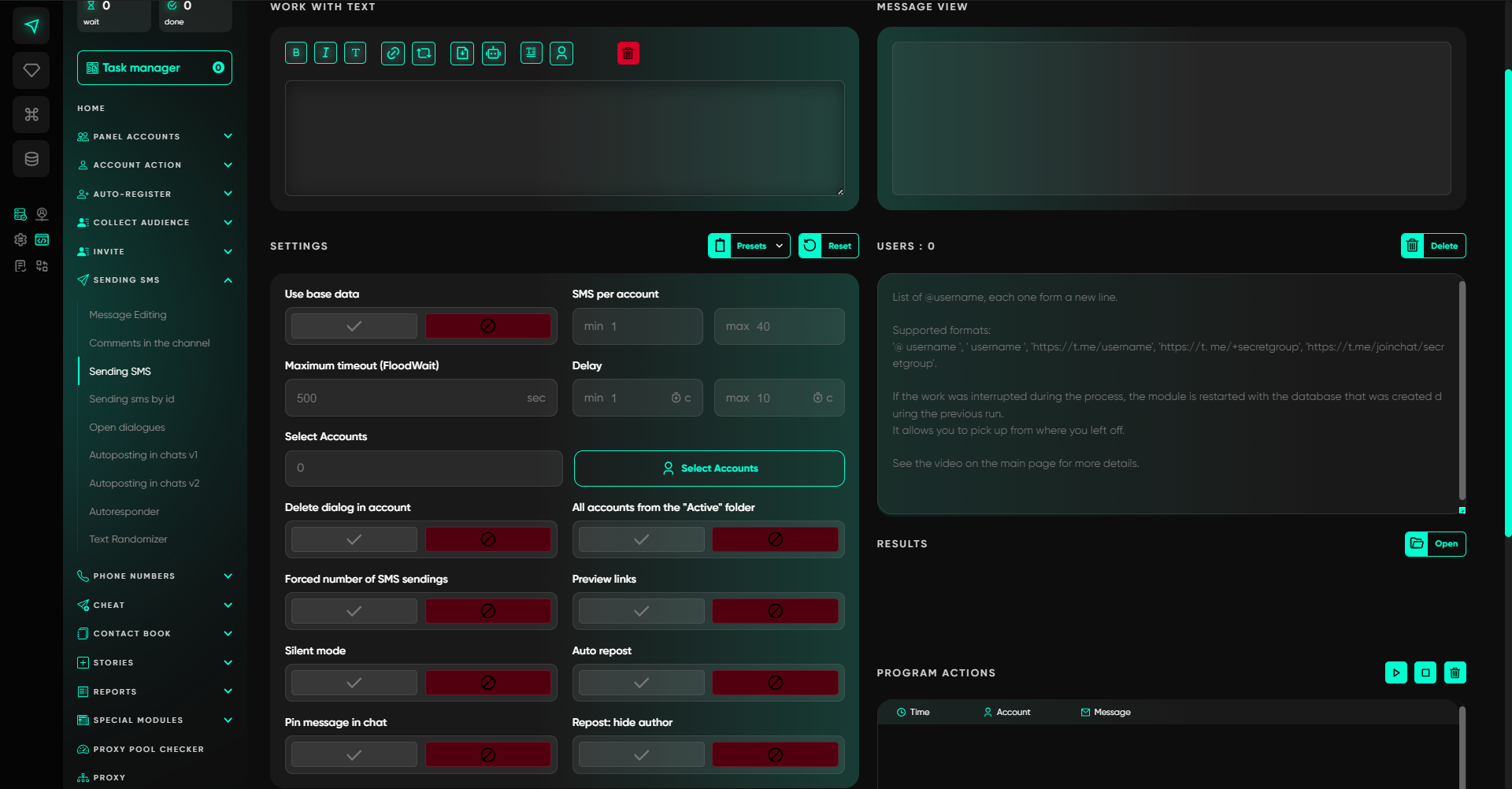
But as the number of sending accounts grows, so does the number of places where replies can appear.
For example, three accounts sent messages to different groups of users. The first received several replies immediately. The second received a reply a few hours later. On the third account, a user first asked a short question and then sent another message later.
If the operator checks each account separately, they have to switch constantly between chats. With many accounts, that becomes a separate manual task in itself.
Replies remain scattered across different chats
Consider a typical working scenario.
The first account received three replies. The second received one. The third received a message the next day.
Without a single place to review incoming activity, the operator has to monitor every account independently. And the problem is not limited to new messages.
A user may reply again after the operator has already handled the first message. If the team tracks only the initial responses, it can easily miss the continuation of a conversation.
That is why it is more practical to work with conversations that require follow-up rather than with isolated messages.
When a team is involved, it should be clear who owns each conversation
When one person handles all replies, some organizational issues resolve themselves. With a team, the situation changes.
Several operators may see the same reply at the same time. One employee may start the conversation while another has no way of knowing that. The result can be duplicate replies—or, conversely, no one continues the conversation at all.
You do not need a complex system to prevent this. A few clear statuses are enough:
-
new reply;
-
in progress;
-
waiting for the user;
-
completed.
The key is for the team to see the current status of each conversation and not treat the same reply as a new task more than once.
First, bring incoming replies into one workspace
Once many accounts are sending messages, it makes sense to separate message collection from message handling.
The operator does not need to keep opening every account and searching for new replies. Incoming messages can be forwarded to a working group where the whole team can see them.
For this exact workflow, Telegram Expert includes the Forwarder module. It forwards incoming replies to a working group and also allows the team to send responses back to users. The module supports multiple accounts, so it can be used when messages are coming in from several working profiles.
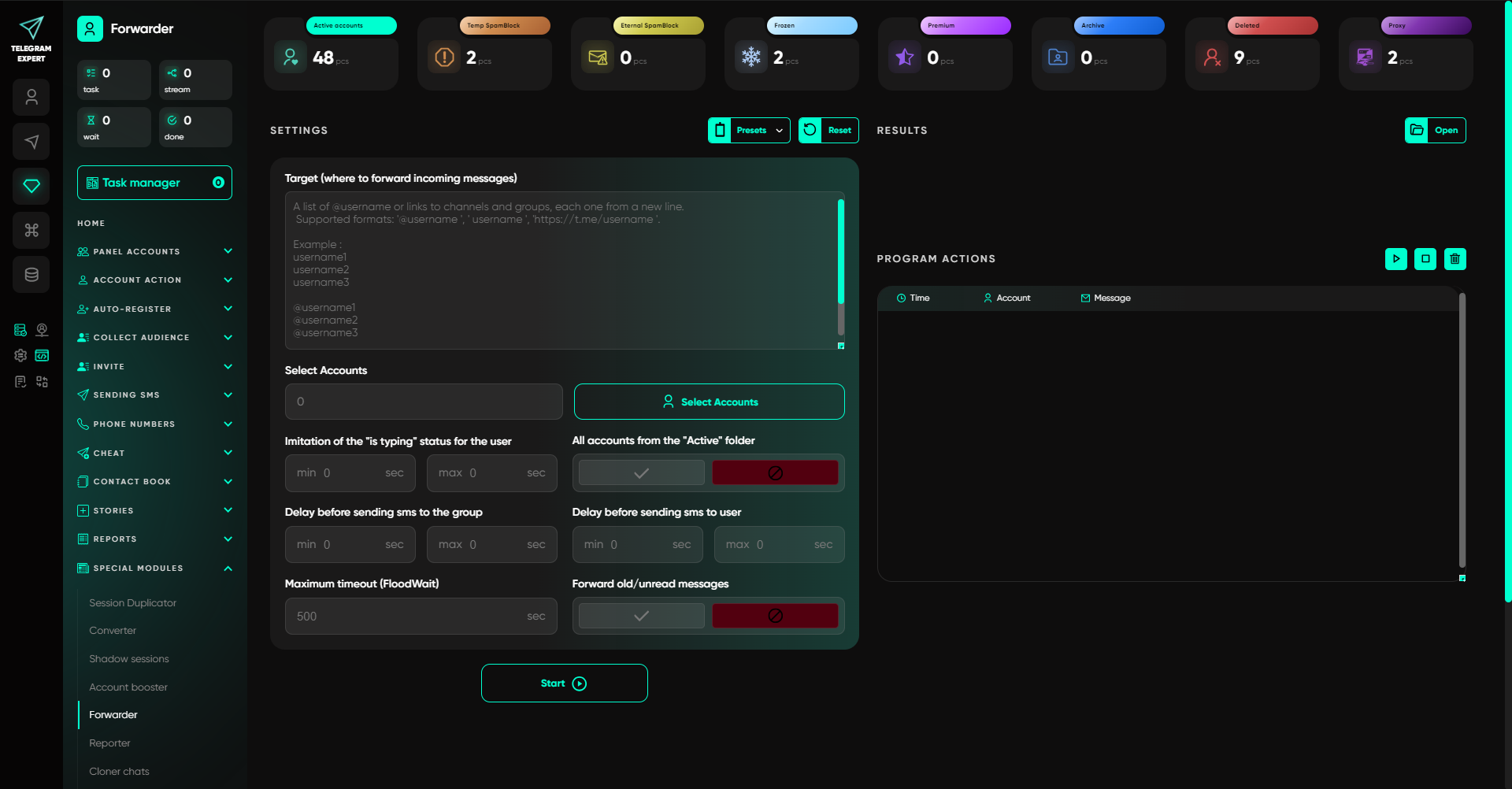
This changes how the process is organized. The sending accounts continue doing their job, while the team gets a separate workspace for handling incoming messages.
Centralization should not remove the conversation context
Bringing all messages into one place is not enough.
The operator needs to understand which account the reply came to and what had already been sent to the user. Otherwise, after every message, they would have to return to the original account and search the history manually.
That is why the working group should be used as a place for handling messages, not as a replacement for the original conversation.
The purpose of centralization is simple: reduce manual switching and show the team more quickly which messages require action.
Simple replies can be automated; complex ones should go to an operator
Once incoming messages are centralized, the next step is to decide how each type of reply should be handled. Not every response requires the same treatment.
Some messages repeat. A user may ask for a link, request basic information, or ask a question for which there is already a clear, predefined answer.
Automation works well for these cases.
In Telegram Soft Expert there is an autoresponder that works with predefined templates. You can select accounts, configure intervals, and set up repeat cycles.
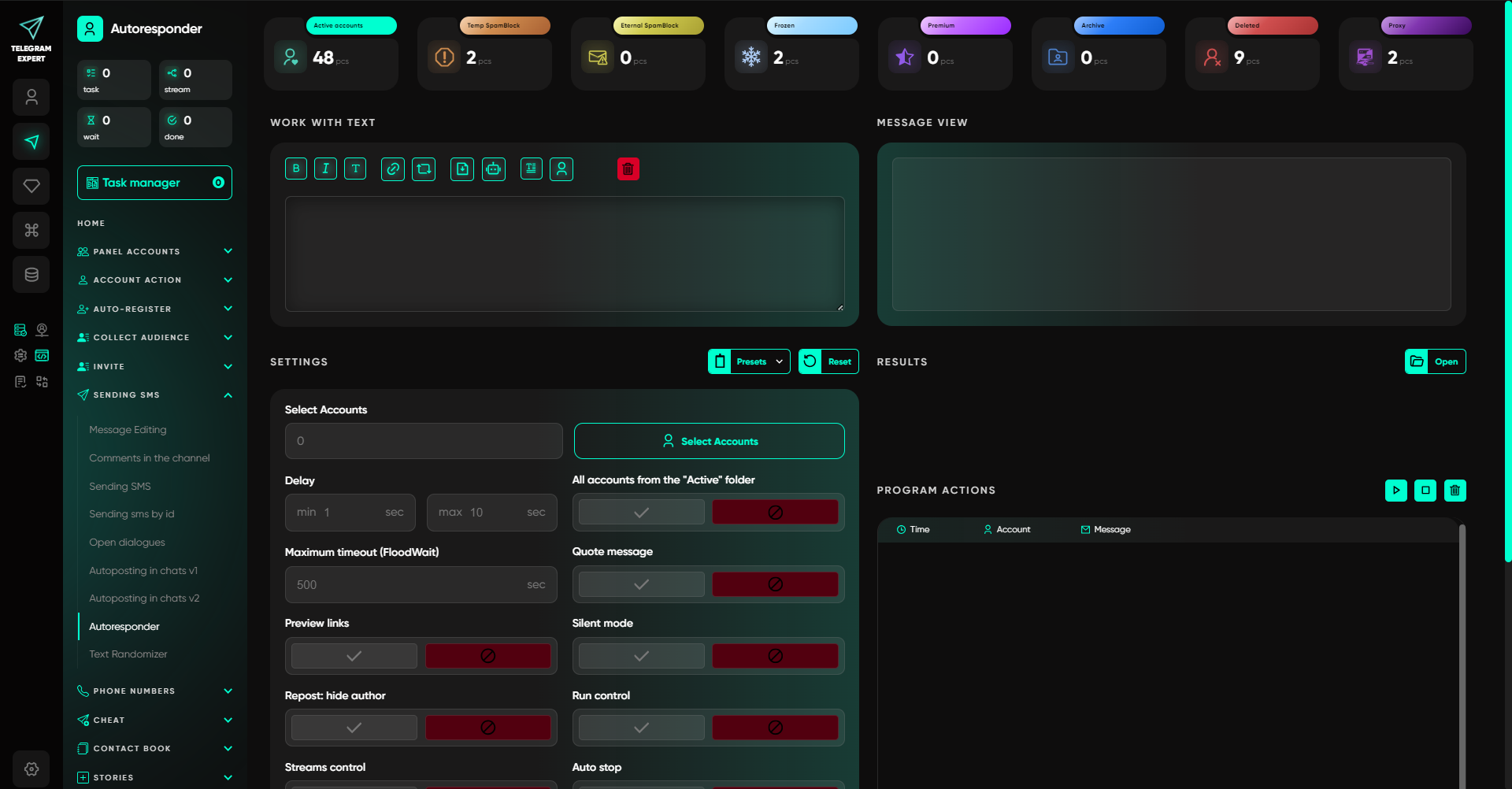
The autoresponder does not replace an operator in every conversation. Its role is to send a predefined response automatically.
Recurring questions can be handled automatically
If the team receives the same question regularly, there is no reason to send the same text manually every time.
For example, a user may ask where to find more information. If the answer is known in advance and does not depend on the conversation history, it can be automated.
This reduces repetitive work and frees up time for conversations that require human involvement.
Complex inquiries are better left to an operator
Another user might write:
“Our situation is different. Can you suggest an option that fits our requirements?”
A template response is no longer enough in this case.
The operator needs to read the previous messages, understand the request, and continue the conversation with the proper context.
A practical workflow therefore looks like this: recurring questions are handled automatically, while non-standard inquiries remain with a human operator.
In this setup, automation does not replace the team. It removes some of the repetitive work.
After the first reply, continue working in the existing conversation
Once a user has replied to the initial message, there is little value in treating them again as just another record from the original database.
There is already an active conversation, with message history and the context of the previous contact. For working with these users, Telegram Expert provides the Open Dialogs module. It is designed for communication with users who already have a conversation history on the selected accounts. The module can send messages and attachments, schedule messages, and run repeat cycles.
This is useful when a user has asked you to return to the conversation later, or when the next message is simply a continuation of an exchange that has already started.
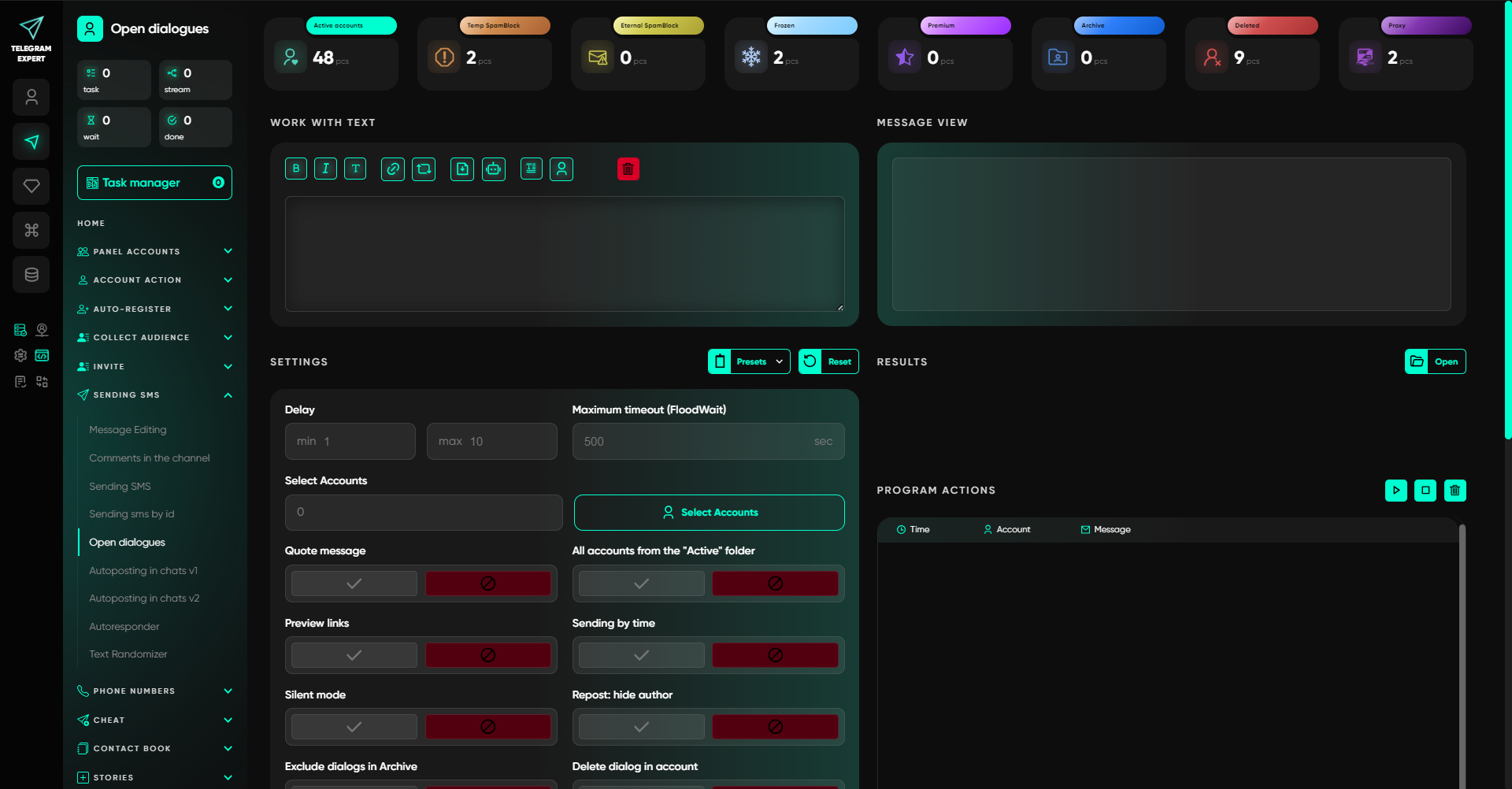
The principle is simple: a follow-up message should continue the existing conversation, not mechanically repeat the original campaign message.
How to build the complete workflow in Telegram Expert
The individual actions can now be combined into a single workflow.
Step 1. Prepare the source database and launch the campaign
First, prepare the working database and choose the appropriate sending method. Telegram Expert supports several ways to work at scale with users, contacts, and existing conversations. When several accounts are involved, you can configure how many threads operate simultaneously.
The specific method depends on the task and the source of the audience.
Step 2. Collect incoming messages with Forwarder
Once the campaign starts, some users will reply to the messages.
Forwarder sends incoming replies to the working group. The operator does not need to check each sending account separately. If necessary, a response can be sent back to the user through the same workflow.
This creates a single place for handling incoming messages.
Step 3. Separate standard replies from non-standard ones
Recurring questions can be handled through the autoresponder when a suitable reply has been prepared in advance.
Messages that require someone to understand the situation or continue a meaningful conversation are passed to an operator.
This way, the team does not waste time on identical responses and does not try to automate situations that require human judgment.
Step 4. Continue working in existing conversations
If a user asks you to return to the conversation later, or if the exchange requires another message, the work can continue through Open Dialogs.
At this stage, the existing conversation history is used instead of the source database for a new campaign.
Step 5. Measure more than just sending volume
After launch, do not look only at the number of messages sent.
It is useful to track separately:
-
how many users replied;
-
how many replies were handled;
-
how many conversations remained unanswered;
-
how many conversations continued;
-
how long it took the team to send the first reply;
-
how many conversations moved to the next step that matters to the business.
The last metric depends on the task. For one project, that next step may be a consultation; for another, it may be registration, an application, an order, or simply continuing the conversation.
Where proxies fit into the workflow
Working with multiple accounts requires separate network infrastructure. Proxies belong to this part of the workflow. They do not handle incoming messages and do not replace account-management tools.
Dexodata can be used for this purpose. The service offers residential, mobile, and datacenter proxies, along with options for connection parameters and geolocation. The provider also offers solutions specifically for multi-account workflows and automated tasks.
In this setup, the roles are clearly separated.
Dexodata provides the network infrastructure for the accounts.
Telegram Soft Expert handles the application-level work in Telegram: account management, bulk operations, receiving incoming messages, forwarding them to a working group, automatic replies, and working with existing conversations.
This is more practical than trying to solve both network and application-level tasks with a single tool.
What to monitor after launching a campaign
A common scaling mistake is to increase sending volume before the team has learned to handle the current flow of replies.
Suppose a campaign generated 500 replies, but 100 of them received no response. Increasing the sending volume will only create an even larger queue.
So the first thing to validate is how well the incoming-message workflow is working.
How many users replied
This metric shows how many people reacted to the initial message.
By itself, it does not indicate the quality of the follow-up process, but it does help estimate the incoming workload.
How many replies remained unanswered
This is one of the most useful operational metrics.
If the team receives many replies but leaves some of them unhandled, the problem is no longer at the sending stage. It appears after the first contact.
How many conversations continued
Not every reply is a target response. A user may decline, ask not to be contacted again, or simply send a brief comment.
That is why it is useful to track separately how many conversations actually moved to the next stage.
How long it takes an operator to send the first reply
Once a person has already replied to the initial message, response speed becomes a separate characteristic of the process.
There is no need to compare it with a universal benchmark. At first, it is enough to measure your own response time and identify where delays occur.
Telegram Expert covers more than the sending stage
When the workflow is viewed end to end, it becomes clear why a dedicated set of tools is useful.
Bulk messaging starts the first contact.
-
Forwarder helps collect incoming replies in the working group.
-
The autoresponder handles some of the recurring messages.
-
Open Dialogs lets the team continue existing conversations.
Other Telegram Expert features can be added as needed for a specific task: account management, registration and warm-up, audience collection, work with chats and channels, communication, and other bulk operations.
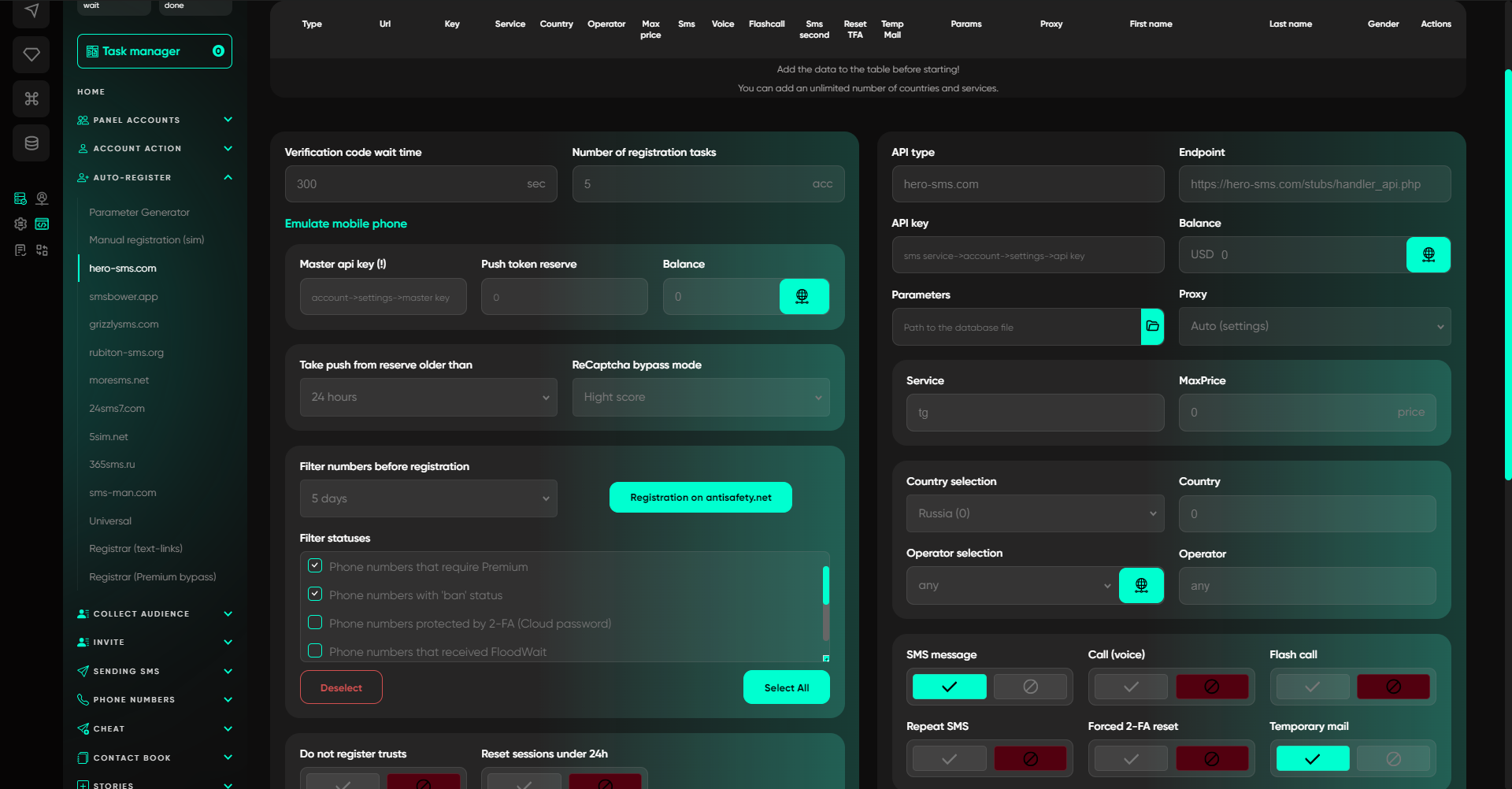
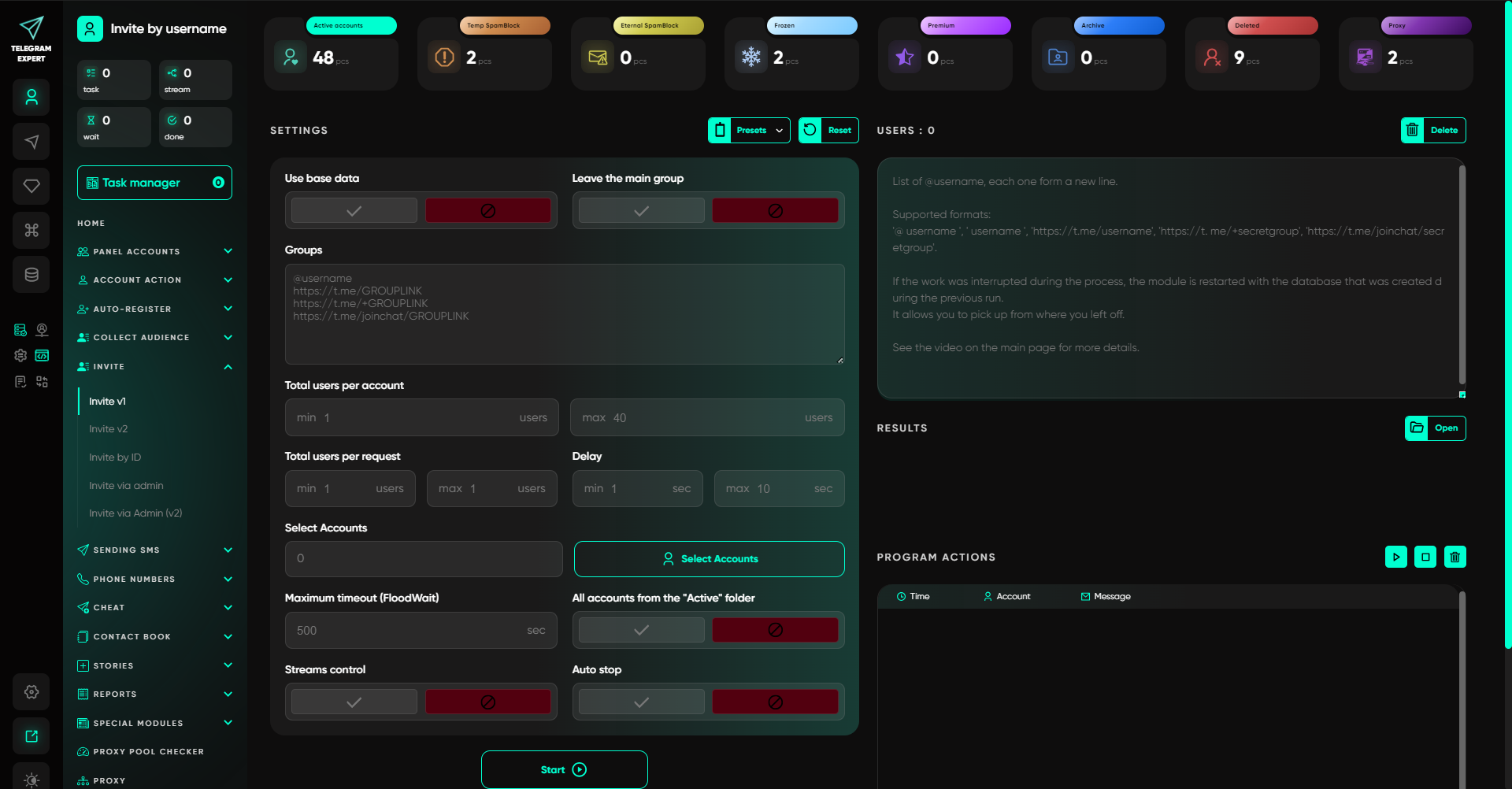
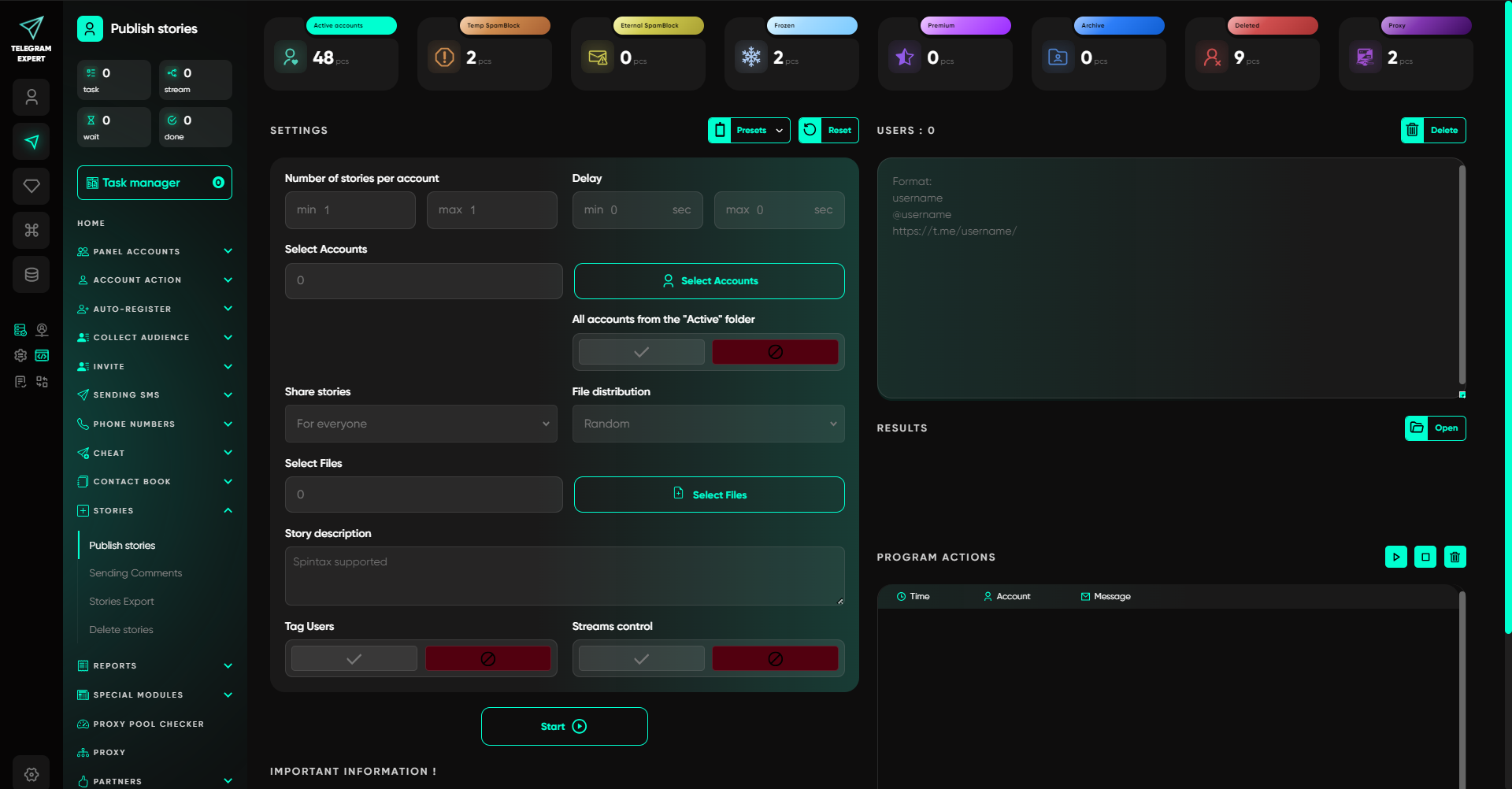
As a result, the software is used not as a standalone tool for sending large volumes of messages, but as part of a complete workflow for working with Telegram accounts.
The main principle remains simple: bulk messaging creates the first contact, while the way incoming messages are organized afterwards determines how effectively the team can work with the replies it receives.


