

Bonus Program
Get up to a 25% bonus when you top up your Dexodata balance. The larger the single payment, the higher the bonus.

How Cloaking Works in 2026: Traffic Filtering, Clean Proxies, and What Actually Protects a Campaign
Cloaking in 2026 is more than traffic filtering. Learn how proxies, geo, ISP targeting, IP reputation, and other signals work together – and what to check before scaling a campaign.

How to Keep Track of Replies After Bulk Messaging in Telegram Expert
Bulk messaging solves only the first part of the task. The message is sent, the user sees it and replies. The work does not end there.
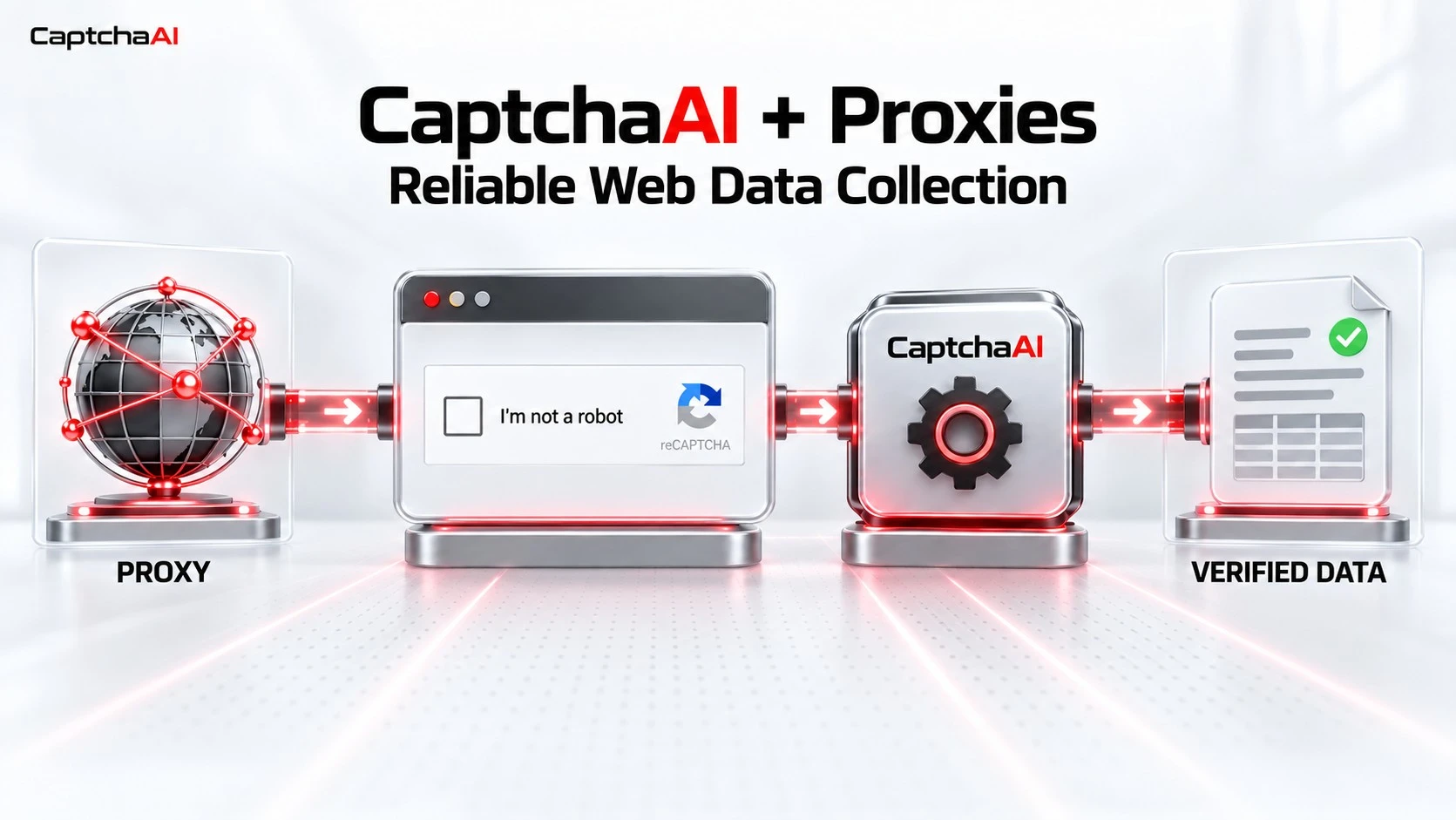
How to Use CaptchaAI with Proxies for Reliable Web Data Collection
Proxies and CAPTCHA solvers are most effective when each tool is assigned the job it was designed to perform.

How US Startups Source High-Quality AI Training Data in 2026
Choosing AI training data is more than finding the right vendor. This guide breaks down three sourcing routes – licensed and first-party data, ready-made datasets, and self-collection – and the five checks every dataset should pass before it enters model training.

Ethical Proxy Pool and Cloaking: A Combo for Long-Term Players
Discover how Dexodata proxies and XCloak cloaking work together to protect traffic, improve geo-targeting, and support safer long-term campaigns.

Payment Solution + Proxies for Media Buying: How to Choose Cards and Build a Working Setup
Let’s look at how to choose virtual cards for affiliate marketing, what to consider when working with proxies, and how to combine these tools into one working setup.

How to Find Viral Combinations Using a Spy Service Before They Burn Out
In the modern realities of affiliate marketing, profit is impossible without tracking the actions of competitors and instantly reacting to new trends. Blind launches are a direct path to the loss of working capital, so working with spy services should become a daily practice.
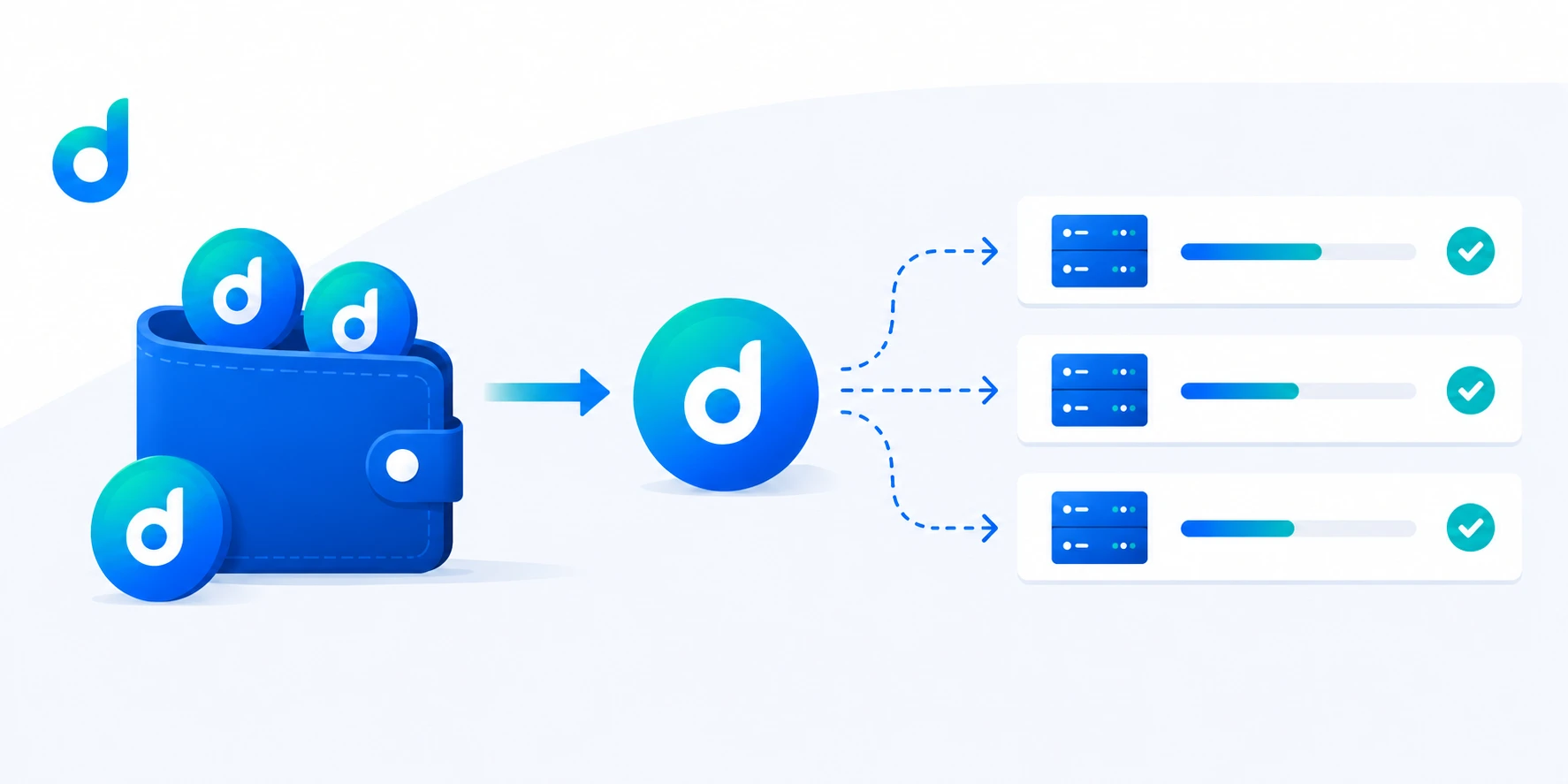
Balance Tokenization in Dexodata: How It Works, Why It Matters, and the Benefits for Users
Learn how balance tokenization works in Dexodata, why your prepaid traffic retains its value even when pricing changes, how to control your spending, and the benefits of our new proxy payment system.

Proxies for AI Agents: A Complete Guide to Choosing, Protocols, and Architecture
Meta title: AI Agent Proxies: A Complete Guide to Selection, Protocols & Architecture Excerpt: Learn how to choose the right proxies for AI agents, compare protocols, design scalable proxy architectures, and avoid common pitfalls when deploying LLM-powered systems.

Incogniton Review 2026: Is This Anti-Detect Browser Worth It for Multi-Accounting?
A review of Incogniton anti-detect’s features, where it works well and where it falls short for serious multi-accounting workflows.

Structured vs. unstructured data: Main characteristics
Structured data enables query processing; unstructured data offers flexibility.

ML and CV in data extraction. A new factor
Applying machine learning and computer vision models for obtaining information online.

Scraping experts: Effective web data collection tips
Ethical web scraping requires proper tools and rotating proxies.

10 practical steps to efficient web data harvesting
The workflow for data harvesting.
How AI affects web scraping
Artificial intelligence automates web scraping, improving data accuracy and scalability.

The role of AI for ethical proxy ecosystems in 2026
AI technologies improve proxy infrastructure performance and enhance security in web data collection.

Gathering high-quality web data at scale: 5 tweaks to apply
Python-based guide to automated data extraction.

Top 10 proxy providers in 2025
A review of proxy solutions and their advantages.

AI regulation and data collection
New rules and ethical standards for working with AI.

AI-based web data harvesting: Status and pending questions
The present and the future of ML-oriented scraping.

SEO vs. GEO vs. AEO: What you need to know
Basics of making the content visible in 2025.

Explainable AI for ethical web data harvesting
Leveraging XAI for data colelction at scale.

Data integration: Main approaches
Why businesses integrate data, and how do they do it.

SEO to AEO: Optimizing marketing strategies for Generative AI
The future of marketing isn't searchable — it's conversational.

Machine learning and web data harvesting. A dynamic relationship
Discovering the influence of machine liearning on scraping, and vice versa.

Scaling smartly: Choosing geo targeted proxies for web data harvesting
Dexodata's proxies as tools from the box to suit your data collection needs.

Browser-based and no-browser web data harvesting: Tools to operate with the best datacenter proxies
Scraping software and methods to use with and without browser.

Cybersecurity trends 2025: The best datacenter proxies and other corporate-level tools
What are the latest safety measures to protect business online?

Harvesting web data from dynamic websites: Tips for automated data harvesting
Strategies for accessing public information.

Selecting databases for large datasets
SQL vs NoSQL and other aspects of structuring and storing collected data.